12 Best Orca Slicer Alternatives in 2026 [Free & Paid Options]
Why Choose an Orca Slicer Alternative
While Orca Slicer is an advanced, open-source slicing software loved for its calibration tools and customization, it’s not perfect for everyone. Here’s why you might consider switching:
- Printer Compatibility: Brand-specific slicers like Creality, Anycubic, and Bambu come with pre-optimized profiles for faster and more reliable prints.
- Ease of Use: Beginners prefer slicers with a guided UI and safe default settings.
- Cloud Features: For labs and print farms, cloud slicing, remote monitoring, and print queue management are essential.
- Specialized Workflows: Resin printing or multi-material jobs might require more tailored software.
- Performance Issues: If Orca Slicer causes lag or slicing errors, switching to a more stable alternative can save time.
Quick Comparison Table
Pro Tip: Use this table to shortlist slicers, then read the detailed reviews below.
| Software | Platforms | Price | Best For | Ideal Printer Brands | Key Highlights |
|---|---|---|---|---|---|
| Cura | Win / macOS / Linux | Free | Beginners, general use | Creality, Anycubic, Ender | Huge plugin ecosystem, easy setup |
| PrusaSlicer | Win / macOS / Linux | Free | Power users, tuning experts | Prusa, Voron, RatRig | Advanced supports, MMU/multi-material |
| Simplify3D | Win / macOS / Linux | Paid (one-time) | Professional control | Industrial FDM | Custom supports, scripting |
| SuperSlicer | Win / macOS / Linux | Free | Expert-level customization | Voron, RatRig, DIY | Fine-grained tweaks |
| Kiri (web) | Browser | Free | Cloud-based slicing | Mixed FDM | No install, multi-device access |
| MatterControl | Win / macOS / Linux | Free | All-in-one workflow | Mixed FDM | CAD + slicing + print control |
| Repetier-Host | Win / macOS / Linux | Free | Print farms, labs | Mixed FDM | Real-time multi-printer control |
| Creality Slicer | Win / macOS | Free | Creality printer users | Creality Ender/CR series | Brand presets, simple setup |
| Anycubic Slicer | Win / macOS | Free | Anycubic printer users | Anycubic Kobra/Photon | Optimized profiles, guided onboarding |
| Bambu Slicer | Win / macOS | Free | Multi-material workflows | Bambu X1/P1/AMS | Smooth hardware integration |
| Lychee Slicer | Win / macOS | Free + Pro | Resin printing | Elegoo, Anycubic, Phrozen | Visual workflow, support tools |
| 3DPrinterOS (cloud) | Browser | Paid plans | Teams, schools, labs | Mixed FDM fleets | Cloud slicing, analytics, job queue |
Top 12 Orca Slicer Alternatives
1. Cura – Most Popular Free Slicer
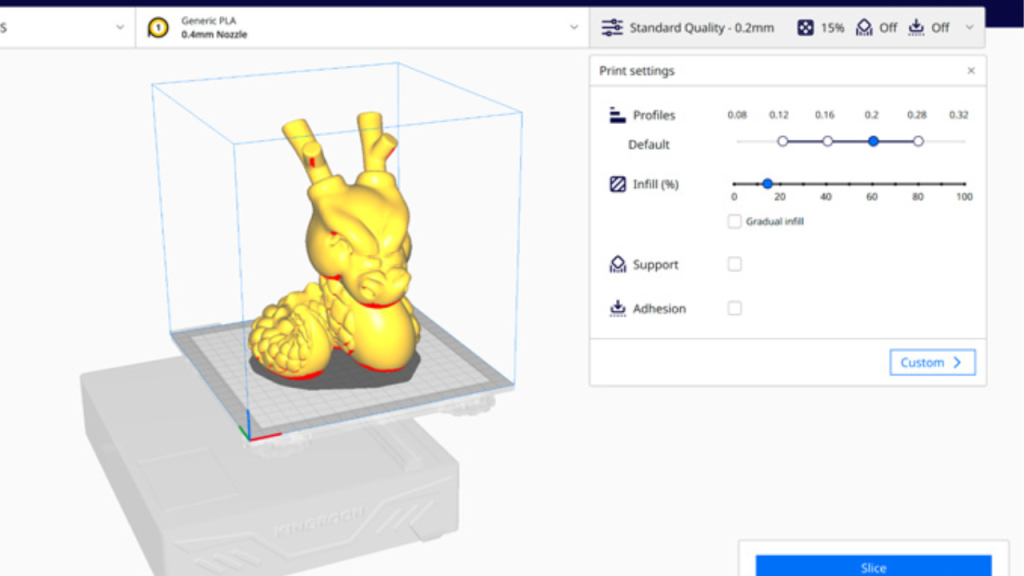
Cura by UltiMaker is widely used for its balance of ease-of-use and powerful features, making it ideal for beginners.
Why it’s great: Wide compatibility, fast setup, and a large plugin marketplace.
2. PrusaSlicer – Pro-Level Customization
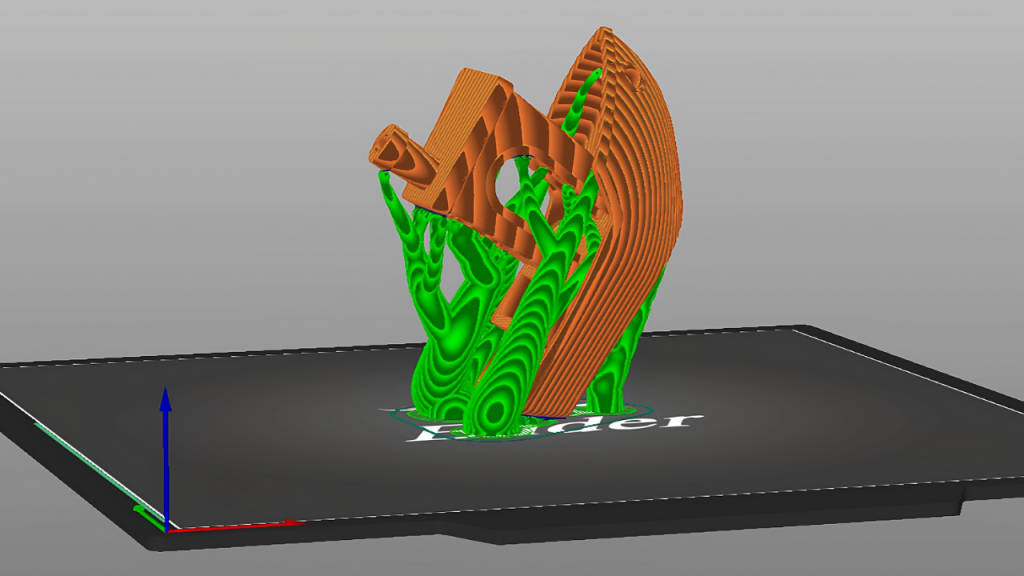
Perfect for multi-material printing, detailed supports, and tuning.
Why it’s great: Free, advanced features, and trusted by power users worldwide.
3. Simplify3D – Professional Control
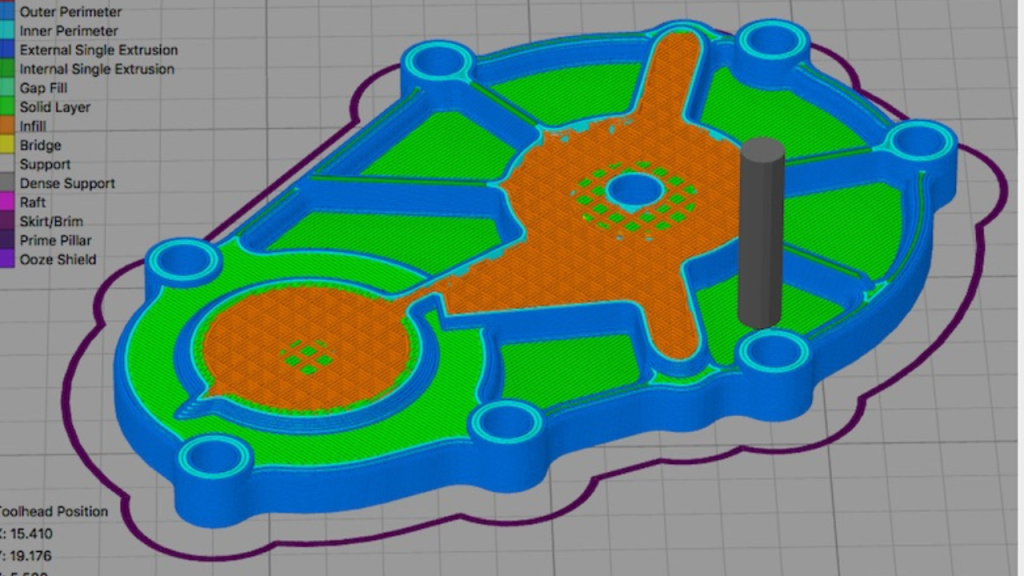
A paid option for studios and service providers that need granular G-code editing and speed.
Why it’s great: Highly reliable with fast slicing.
4. SuperSlicer – Open-Source Powerhouse
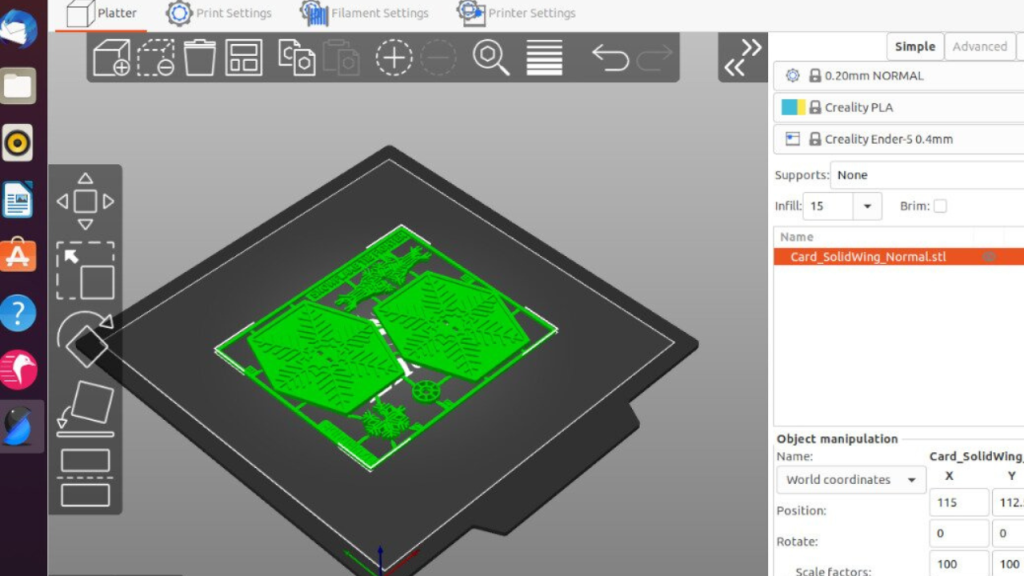
Based on PrusaSlicer, but adds deeper settings for advanced users.
Why it’s great: Free and perfect for experimental users or unique filaments.
5. Kiri – Browser-Based Solution
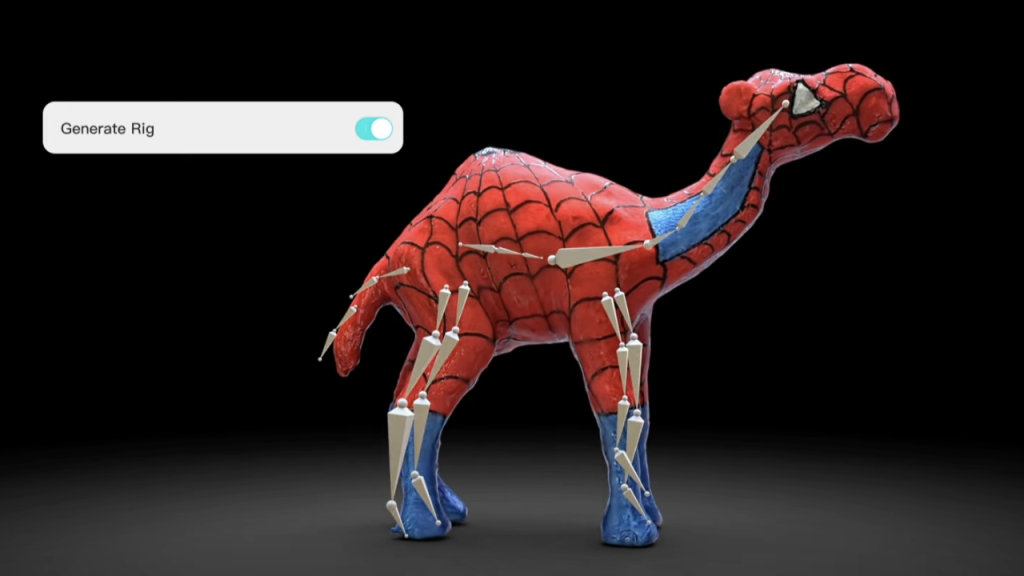
No installation needed; perfect for classrooms or shared devices.
Why it’s great: Simple, portable, and accessible from any device.
6. MatterControl – All-in-One Software
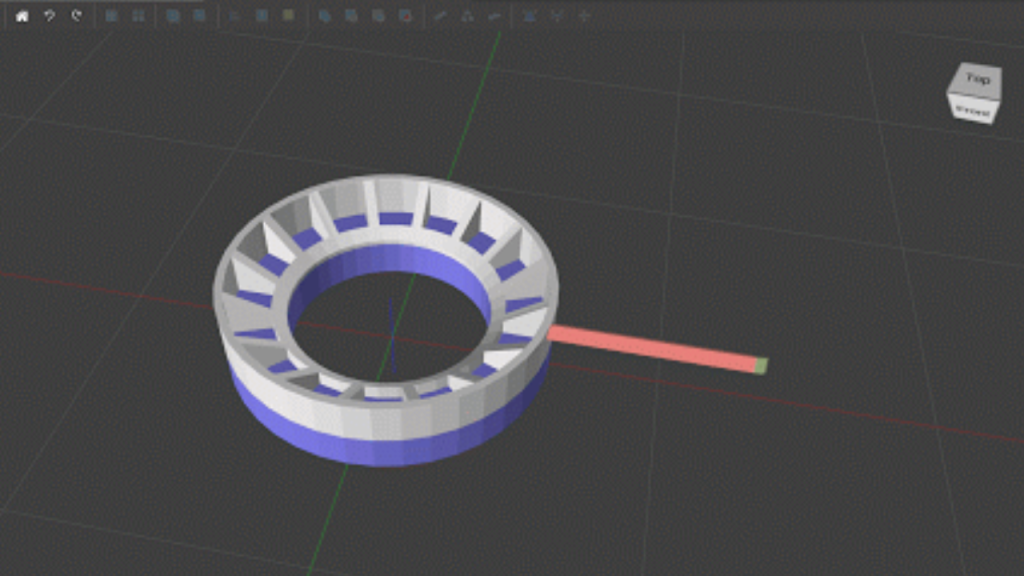
Combines CAD design, slicing, and printer control in one app.
Why it’s great: Simplifies workflow for teams or educators.
7. Repetier-Host – Multi-Printer Management
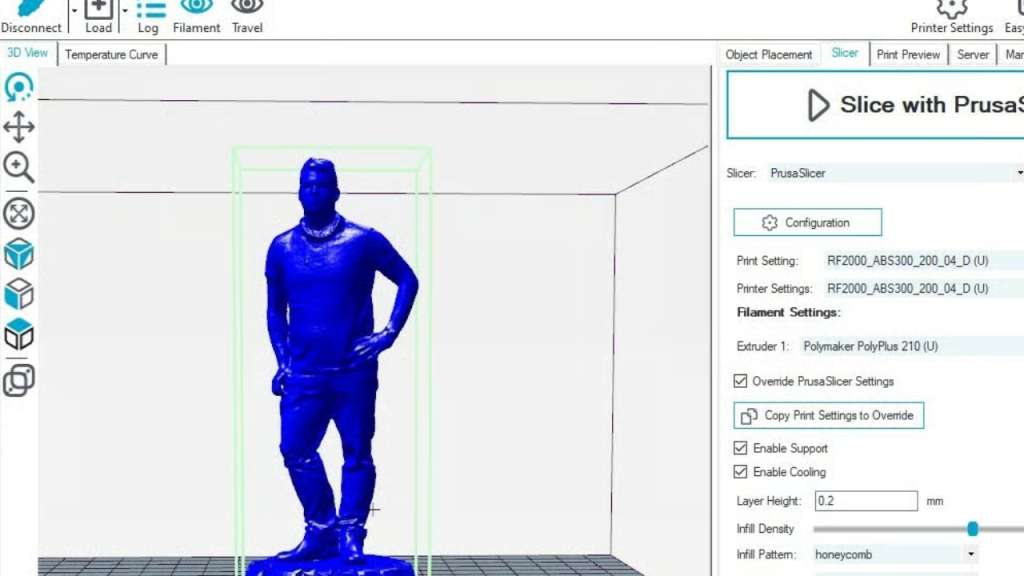
Manage several printers at once, ideal for print farms.
Why it’s great: Streamlined orchestration and real-time control.
8. Creality Slicer – Best for Creality Users
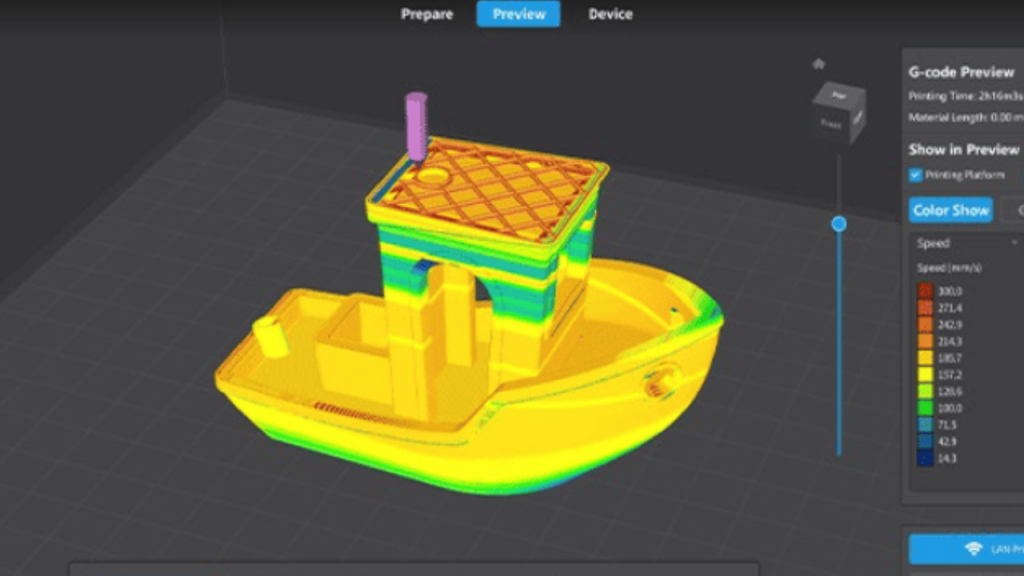
Comes preloaded with Creality printer profiles for hassle-free setup.
Why it’s great: Beginners can get high-quality prints immediately.
9. Anycubic Slicer – Tailored for Anycubic Printers
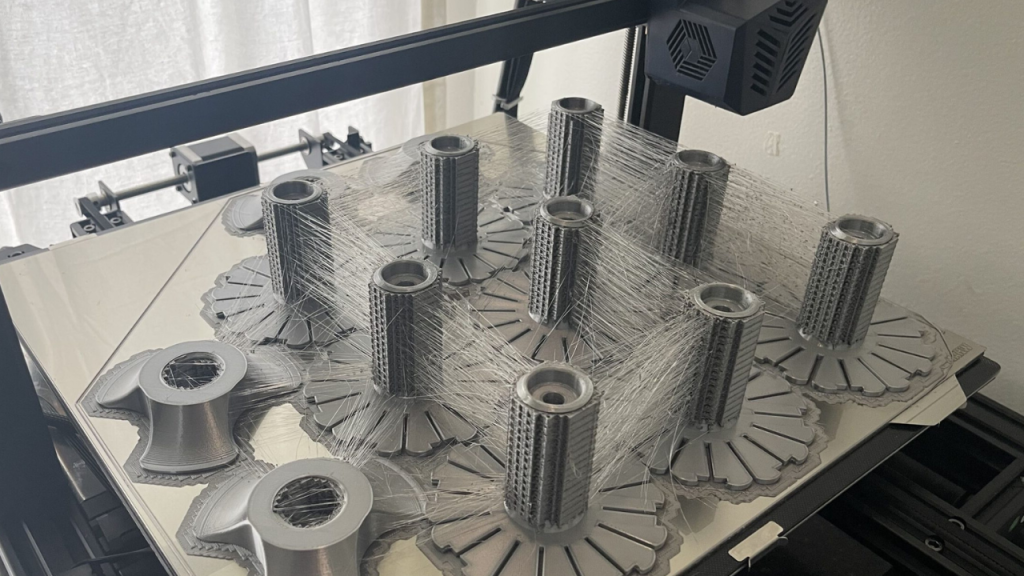
Optimized specifically for Anycubic FDM and resin printers.
Why it’s great: Reduces trial-and-error with custom presets.
10. Bambu Slicer – Seamless Bambu Hardware Integration
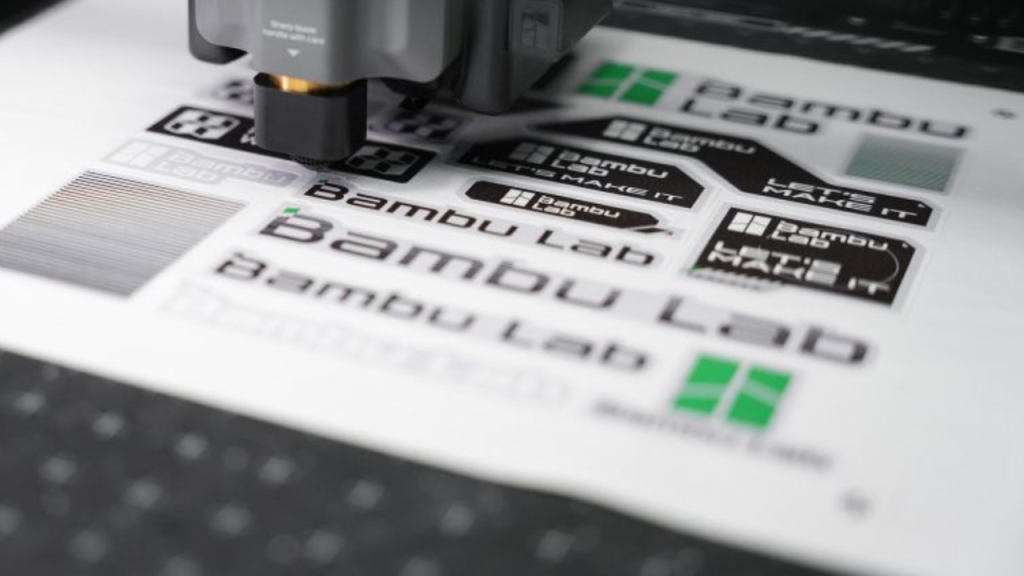
Works perfectly with Bambu Labs printers and AMS systems for multi-material prints.
Why it’s great: Minimal configuration needed, maximum efficiency.
11. Lychee Slicer – Resin Printing Favorite
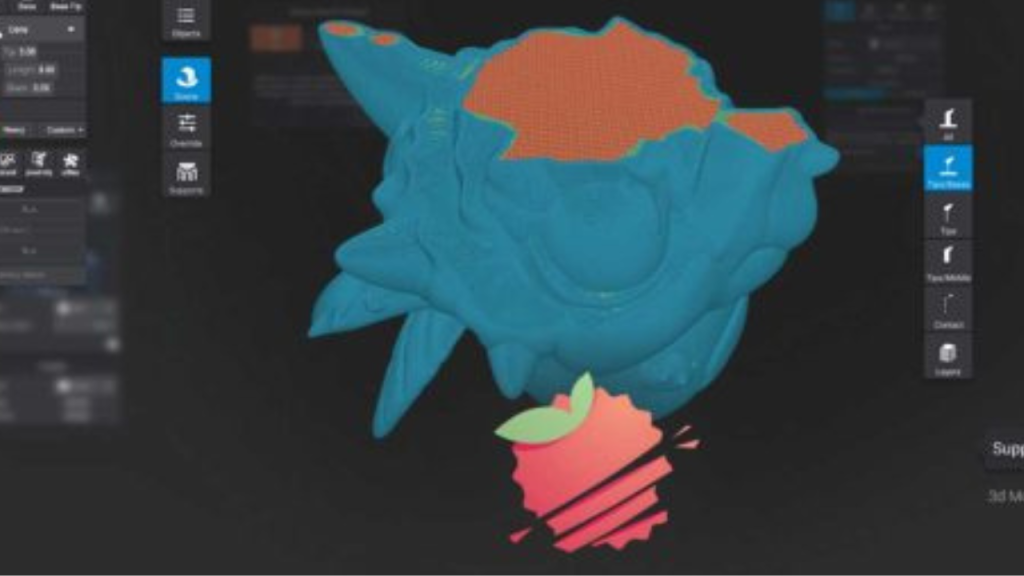
Popular among miniature modelers and dental professionals for resin workflows.
Why it’s great: User-friendly interface for SLA/DLP workflows.
12. 3DPrinterOS – Cloud-Based Team Solution
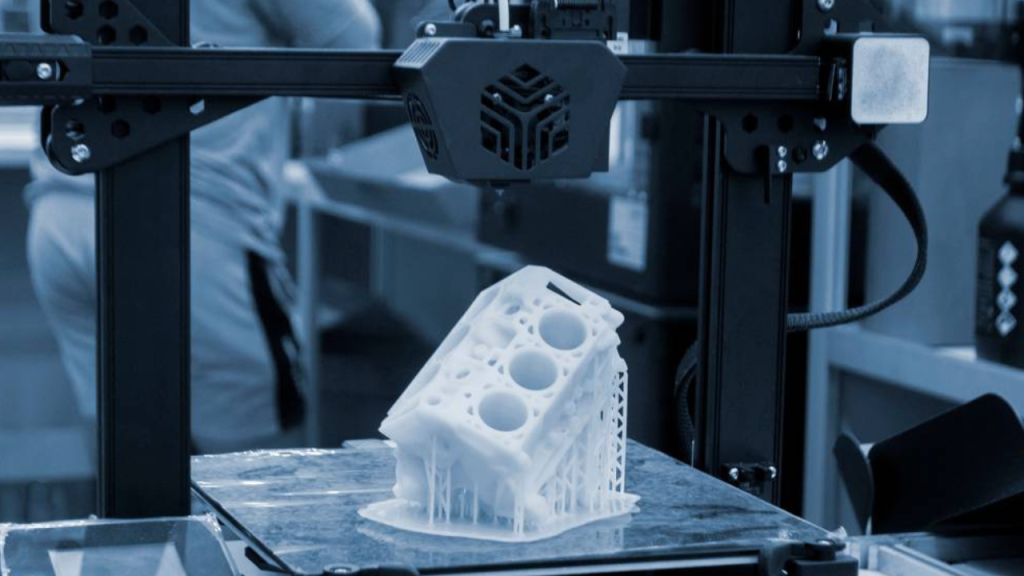
Centralized slicing, job management, and analytics for labs or schools.
Why it’s great: Best for organizations with multiple devices.
Orca Slicer vs Popular Alternatives
- Orca vs Cura: Cura is beginner-friendly, while Orca offers deep calibration tools.
- Orca vs PrusaSlicer: Prusa has broader community support; Orca is more tuning-focused.
- Orca vs Bambu Slicer: Bambu integrates perfectly with its hardware, whereas Orca remains brand-agnostic.
How to Select the Best Slicer
- Brand Matching: Stick to your printer’s dedicated slicer (Creality, Anycubic, Bambu) for easy presets.
- Beginner vs Expert:
- Beginners → Cura or Creality Slicer.
- Power users → PrusaSlicer or SuperSlicer.
- Workflow Needs:
- Teams or labs → Repetier-Host or 3DPrinterOS.
- All-in-one design + slicing → MatterControl.
- Material Focus:
- Resin printing → Lychee Slicer.
- Multi-material FDM → Bambu Slicer or PrusaSlicer.
- Budget:
- Free → Cura, PrusaSlicer, SuperSlicer.
- Paid → Simplify3D or 3DPrinterOS.
FAQ
Conclusion
Ready to upgrade your 3D printing workflow? Start by testing 2-3 slicers from the table above with your preferred printer and materials. The one that consistently delivers speed, quality, and stability is the right choice for you.